
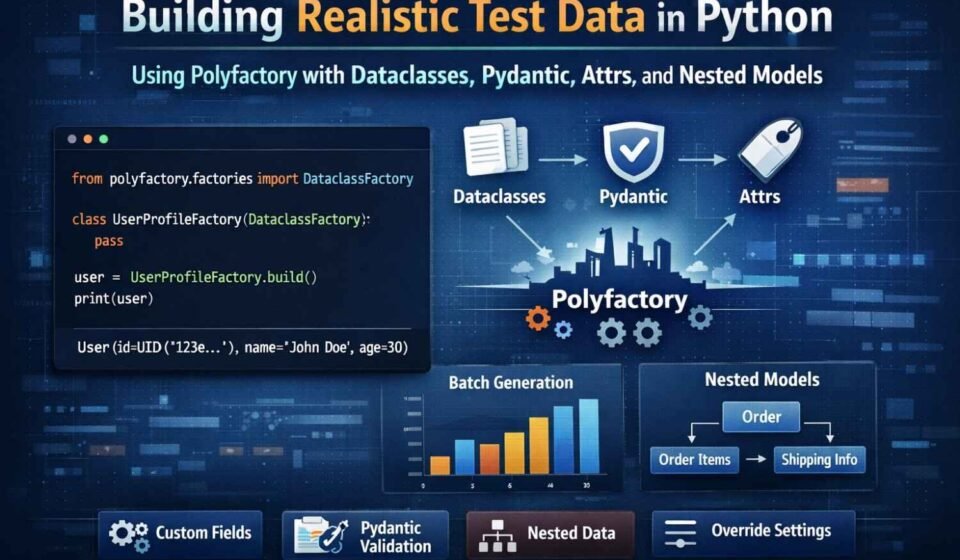
Building Realistic Test Data in Python Using Polyfactory with Dataclasses, Pydantic, Attrs, and Nested Models
In this hands-on guide, we explore how to generate realistic, structured test data in Python using Polyfactory. Starting from simple dataclasses, we progressively move toward advanced patterns including custom field generation, dependent values, nested objects, Pydantic validation, and attrs integration. By the end of this tutorial, you will be able to create powerful, production-like mock data pipelines that reduce boilerplate, improve test coverage, and accelerate development workflows.
Table Of Content
This tutorial focuses on practical implementation with clear examples that mirror real-world application models.
1️⃣ Installing Required Libraries
We begin by installing the libraries needed for generating structured test data.
import sys
import subprocess

def pip_install(pkg):
    subprocess.check_call([sys.executable, "-m", "pip", "install", pkg, "-q"])

dependencies = [
    "polyfactory",
    "faker",
    "pydantic",
    "attrs",
    "email-validator"
]

for dep in dependencies:
    pip_install(dep)

print("All packages installed successfully.")
2️⃣ Generating Data from Basic Dataclasses
from dataclasses import dataclass
from typing import List, Optional
from datetime import date
from uuid import UUID
from polyfactory.factories import DataclassFactory

@dataclass
class Location:
    street: str
    city: str
    country: str
    postal_code: str

@dataclass
class UserProfile:
    user_id: UUID
    full_name: str
    email: str
    age: int
    joined_on: date
    active: bool
    location: Location
    tags: List[str]
    about: Optional[str] = None


class UserProfileFactory(DataclassFactory[UserProfile]):
    pass


sample_user = UserProfileFactory.build()
print(sample_user)

multiple_users = UserProfileFactory.batch(3)
print(multiple_users)
3️⃣ Customizing How Fields Are Generated
from faker import Faker
from datetime import date

fake = Faker()

@dataclass
class Staff:
    staff_code: str
    name: str
    department: str
    salary: float
    start_date: date
    email: str


class StaffFactory(DataclassFactory[Staff]):
    __faker__ = fake
    __random_seed__ = 7

    @classmethod
    def staff_code(cls) -> str:
        return f"STF-{cls.__random__.randint(1000, 9999)}"

    @classmethod
    def department(cls) -> str:
        return cls.__random__.choice(["IT", "Sales", "Support", "HR"])

    @classmethod
    def salary(cls) -> float:
        return round(cls.__random__.uniform(40000, 120000), 2)

    @classmethod
    def email(cls) -> str:
        return cls.__faker__.company_email()


print(StaffFactory.batch(2))
4️⃣ Derived and Dependent Fields
Factories can compute values after object creation.
@dataclass
class InventoryItem:
    code: str
    title: str
    price: float
    discount: float
    final_price: Optional[float] = None


class InventoryFactory(DataclassFactory[InventoryItem]):

    @classmethod
    def code(cls) -> str:
        return f"ITEM-{cls.__random__.randint(100, 999)}"

    @classmethod
    def price(cls) -> float:
        return round(cls.__random__.uniform(20, 500), 2)

    @classmethod
    def discount(cls) -> float:
        return round(cls.__random__.uniform(5, 25), 2)

    @classmethod
    def build(cls, **kwargs):
        obj = super().build(**kwargs)
        obj.final_price = round(obj.price * (1 - obj.discount / 100), 2)
        return obj


print(InventoryFactory.build())
5️⃣ Working with Nested Models
You can compose factories for complex object graphs.
from datetime import datetime
from enum import Enum

class Status(str, Enum):
    NEW = "new"
    SENT = "sent"
    RECEIVED = "received"

@dataclass
class LineItem:
    name: str
    quantity: int
    rate: float
    total: Optional[float] = None


class LineItemFactory(DataclassFactory[LineItem]):
    @classmethod
    def build(cls, **kwargs):
        obj = super().build(**kwargs)
        obj.total = round(obj.quantity * obj.rate, 2)
        return obj


@dataclass
class Invoice:
    invoice_no: str
    created_at: datetime
    status: Status
    items: List[LineItem]
    grand_total: Optional[float] = None


class InvoiceFactory(DataclassFactory[Invoice]):

    @classmethod
    def items(cls) -> List[LineItem]:
        return LineItemFactory.batch(3)

    @classmethod
    def build(cls, **kwargs):
        inv = super().build(**kwargs)
        inv.grand_total = sum(i.total for i in inv.items)
        return inv


print(InvoiceFactory.build())
6️⃣ Using Attrs Classes
Polyfactory also supports attrs.
import attrs
from polyfactory.factories.attrs_factory import AttrsFactory
from datetime import datetime

@attrs.define
class Article:
    title: str
    author: str
    body: str
    published: bool = False
    created_at: datetime = datetime.now()


class ArticleFactory(AttrsFactory[Article]):
    pass


print(ArticleFactory.build())
7️⃣ Overriding Specific Values
You can override fields while keeping others random.
custom_user = UserProfileFactory.build(
    full_name="John Doe",
    age=28,
    email="john@example.com"
)

print(custom_user)
8️⃣ Generating Data for Pydantic Models
from pydantic import BaseModel
from polyfactory.factories.pydantic_factory import ModelFactory

class Payment(BaseModel):
    method: str
    verified: bool = False


class PaymentFactory(ModelFactory[Payment]):
    __model__ = Payment


print(PaymentFactory.batch(3))
✅ Conclusion
Polyfactory dramatically simplifies the process of generating meaningful, structured, and realistic test data. Whether you are working with dataclasses, attrs, or Pydantic models, it allows you to build reliable test datasets with minimal code and maximum flexibility.
This approach improves testing quality, speeds up prototyping, and reduces the burden of manually crafting mock objects.